
The GuaBase order path, from search to signed-for parcel
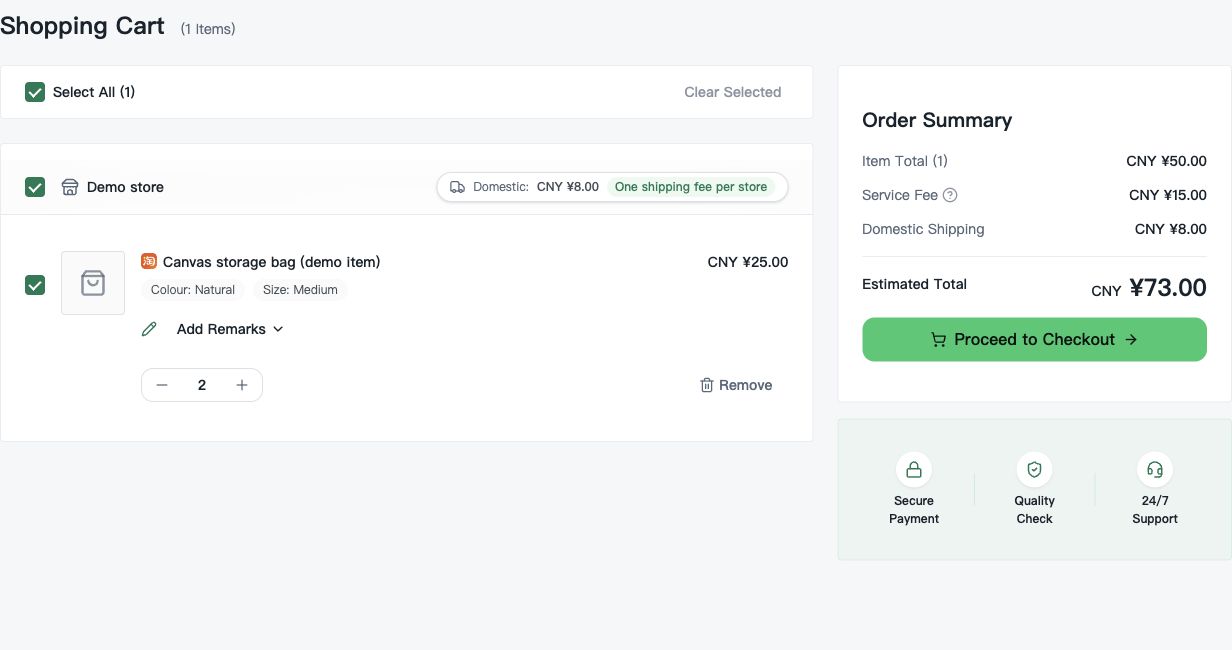
Illustrated workflow rechecked on 25 October 2026 against GuaBase’s current purchasing guide. The official guide uses eight stages; this page groups them into seven steps. The operation screens below are labelled demonstration data, and each opens at full size.
Two payments, one warehouse stop, and seven stages in between. Each step below links to the page on this site that covers it in more depth.
The order path, step by step
GuaBase splits a cross-border order into two payments rather than one, because the final parcel weight is not known until items have actually arrived and been measured. The seven stages below follow that split in order, from account creation to the point a refund policy would apply if something needed one.
Create an account
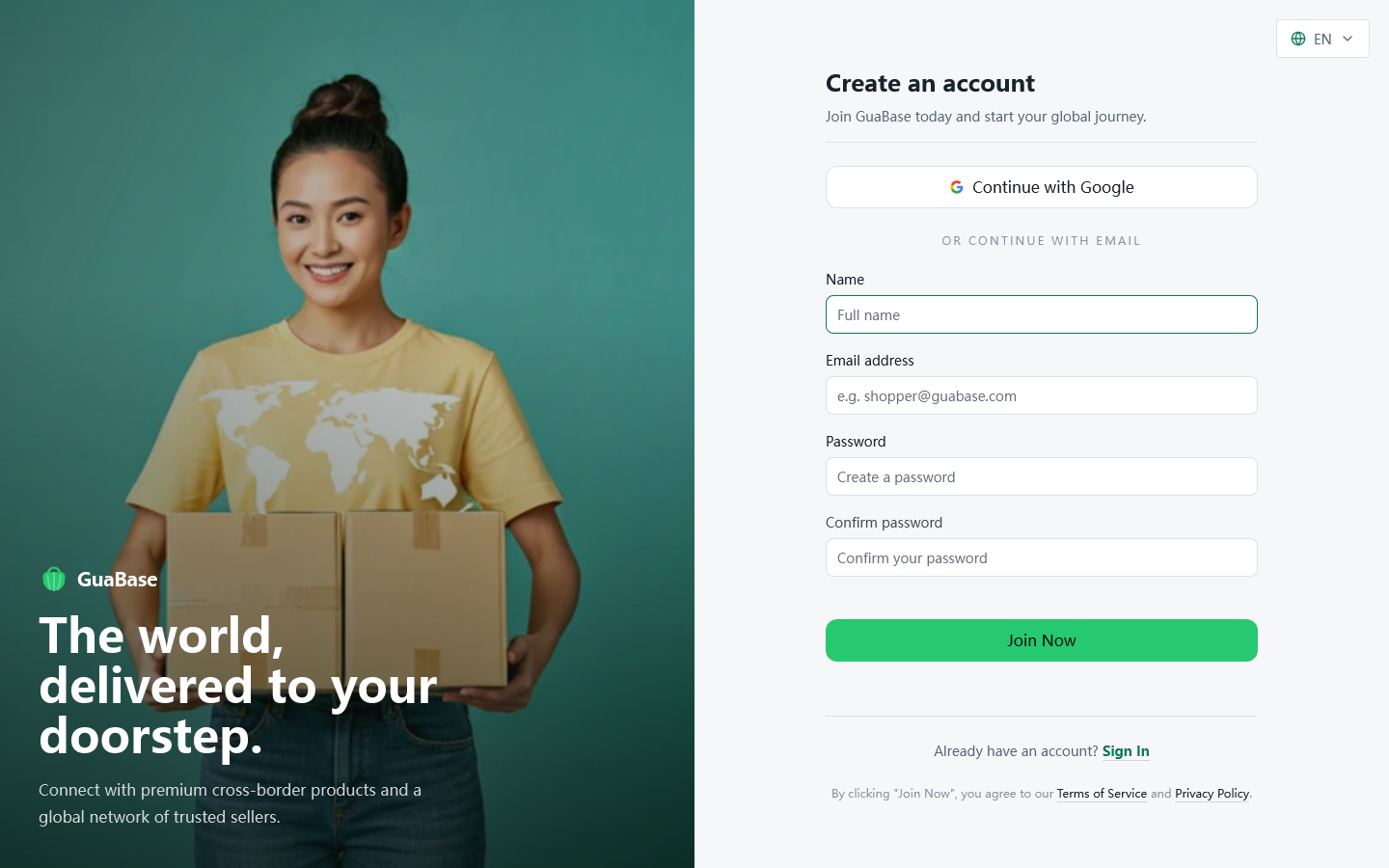
GuaBase's sign-up page returned a normal 200 response when it was last checked on October 22, 2026, and the site offers both English and 简体中文. No referral or invite parameter turned up anywhere in the site's public code during that check, which matches what the fee pages say: the 5% service fee applies the same way to every order, there is no separate code-based discount layer to look for.
One line worth noting before you register: checkout does carry an entry labelled “GuaBase Service Fee Discount” once you reach the cart. GuaBase has not published what triggers it or how large it is, so treat it as something to notice at checkout rather than something to plan around.
Find the item and choose the exact variation
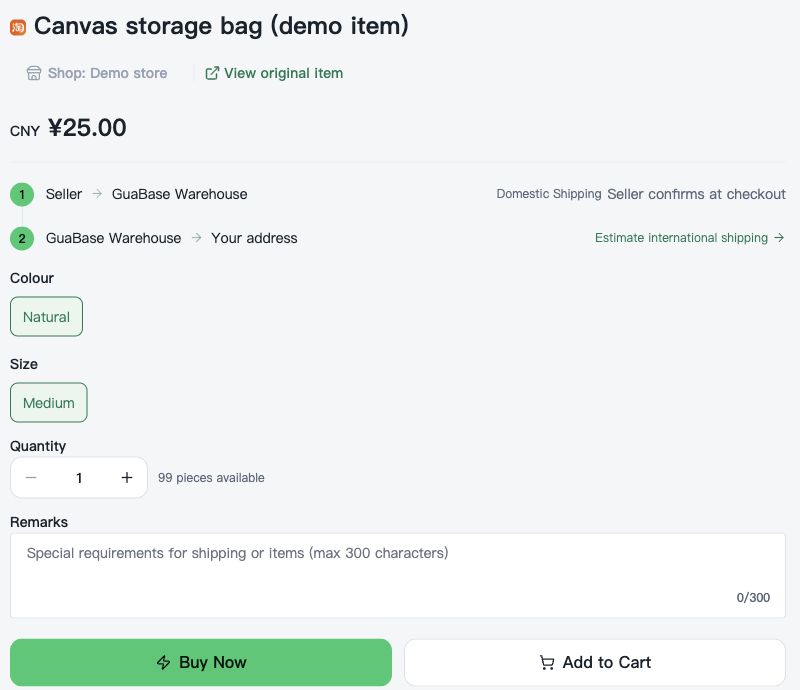
Search by keyword or image, or paste a Taobao or Tmall product link directly. GuaBase's own long-form guide (published July 13, 2026, last checked August 3, 2026) is blunt about the most common mistake here: picking a variation from the headline photo alone. Taobao listings often bundle several models, colours, or sizes under one price, and the cheapest option shown is not always the one in the main image.
For clothing, the guide suggests comparing the seller's own measurements against something you already own rather than trusting a label of S, M, or L. For electronics, it flags voltage, plug type, network bands, and in-box accessories as the details worth checking before paying, not after.
Pay the first invoice
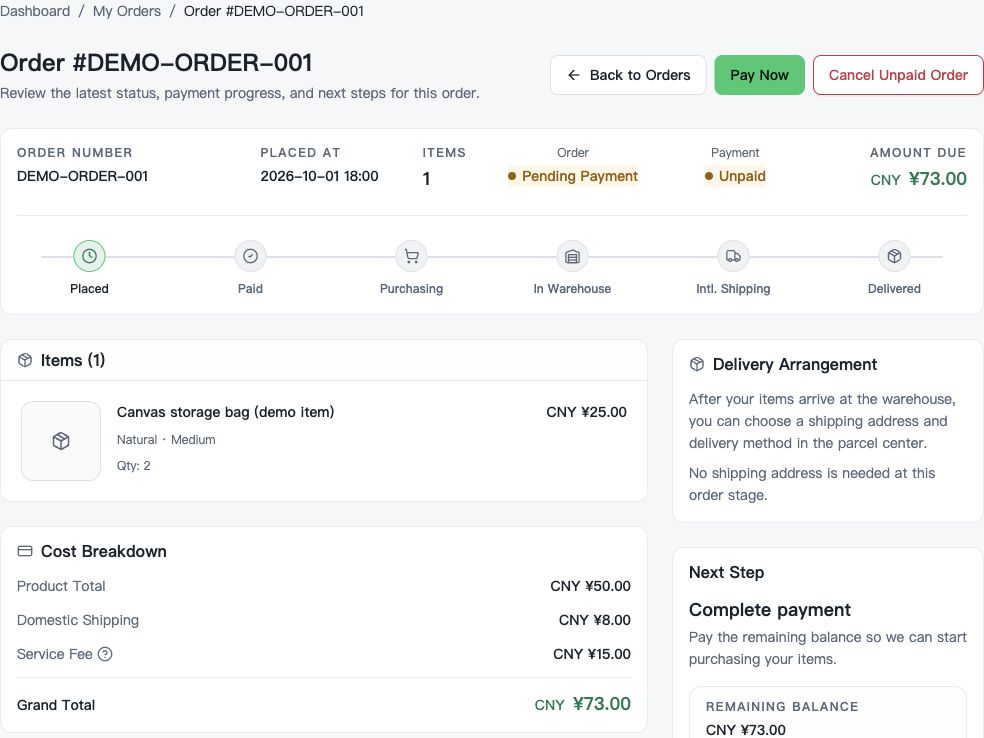
The first payment covers three things: the item price, the seller's domestic shipping to GuaBase's warehouse, and the GuaBase service fee, charged at 5% of the item's cost and floored at CNY ¥15. GuaBase's own guide works through an example: a CNY ¥189 hoodie and a CNY ¥49 phone case from two sellers, with CNY ¥12 combined domestic shipping. Five percent of the CNY ¥238 item total is CNY ¥11.90, under the CNY ¥15 minimum, so the CNY ¥15 minimum fee applies instead, and the first invoice comes to CNY ¥265 before any payment-processing charge.
Payment itself runs through Stripe Checkout. GuaBase calculates the order in CNY, converts it to USD for the Stripe session, and does not add its own surcharge on top; your card issuer or bank might still apply one on their end.
Warehouse intake and the basic check
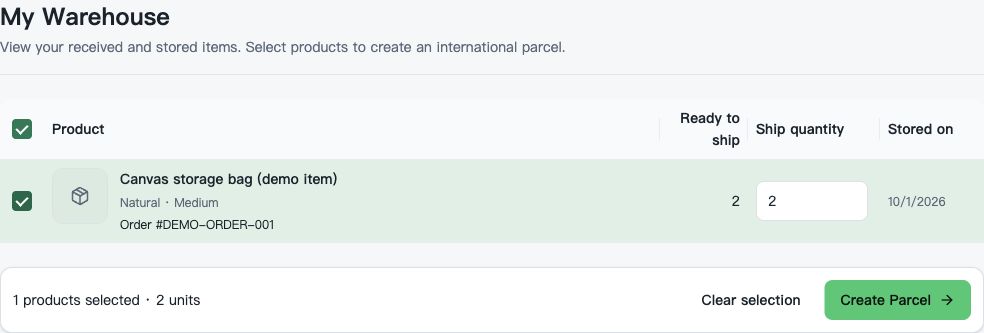
Once the seller ships, the order status moves through GuaBase's own tracking stages: “Purchasing”, then “Partially Arrived” if only some items have landed, then “Stored” once every item has turned up and cleared the basic check. That check records quantity, selected options, and visible condition, with a photo attached when it helps document the result, not on a fixed per-item count.
An item that fails this stage is marked “QC Failed” rather than silently approved; one that the seller cannot supply is marked “Out of Stock”. Either status routes you toward a refund review rather than a shipped parcel, see After-Sales for how that works.
Stored items can sit for up to 90 days at no storage charge, which is the window for consolidating more than one order before paying for international shipping once.
Consolidate, then choose a shipping line
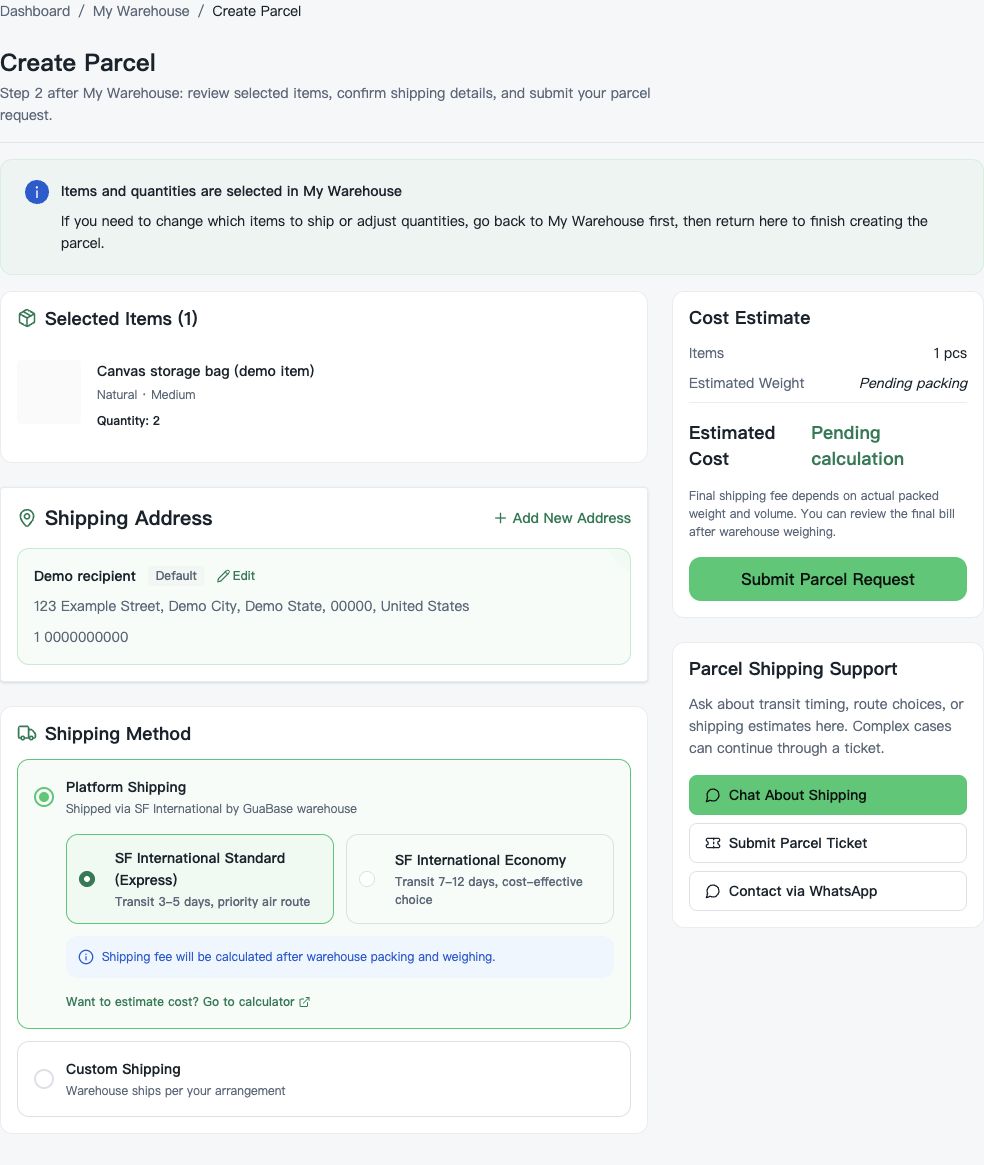
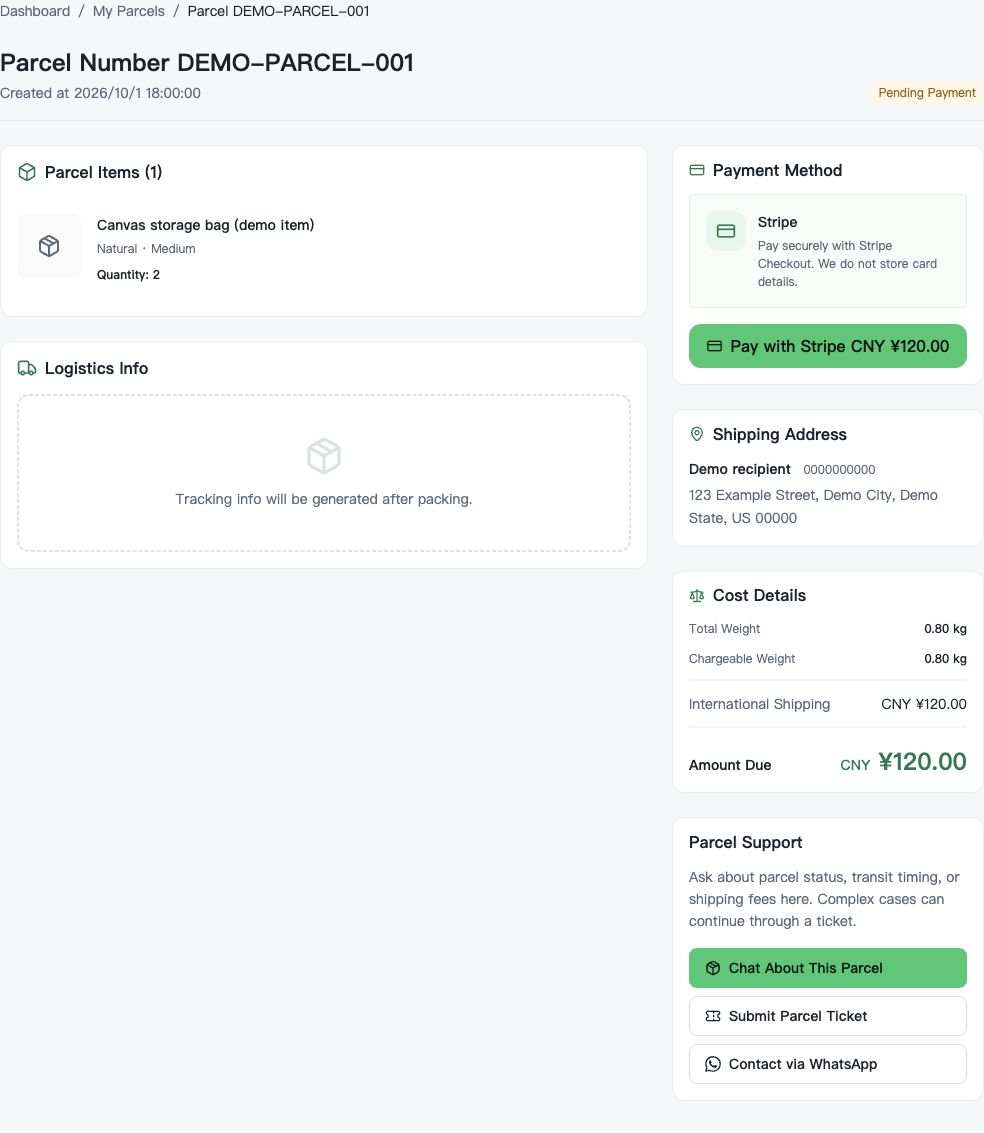
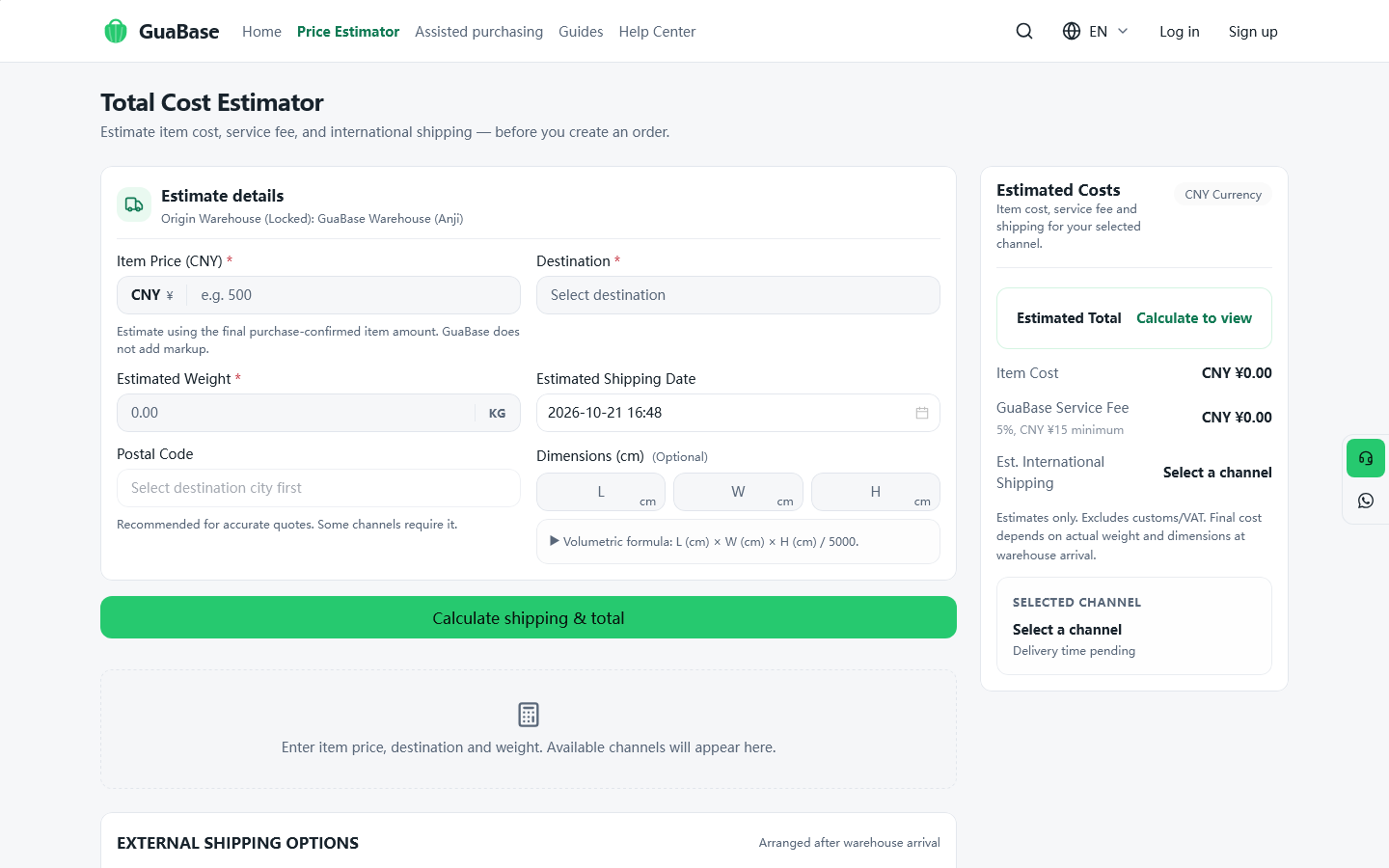
Combining eligible items into a single parcel cuts down on duplicate packaging, but GuaBase is explicit that consolidation does not automatically lower the total: the final charge depends on actual weight, volumetric weight, destination, and the carrier's own rules. The price estimator gives an early read before the warehouse has packed anything.
Three options sit on the shipping page: SF International Express (labelled the recommended choice, roughly 5 to 10 business days), SF International Economy (roughly 7 to 20 business days, lower cost), or arranging your own freight forwarder once the parcel has arrived at the warehouse.
Track the parcel
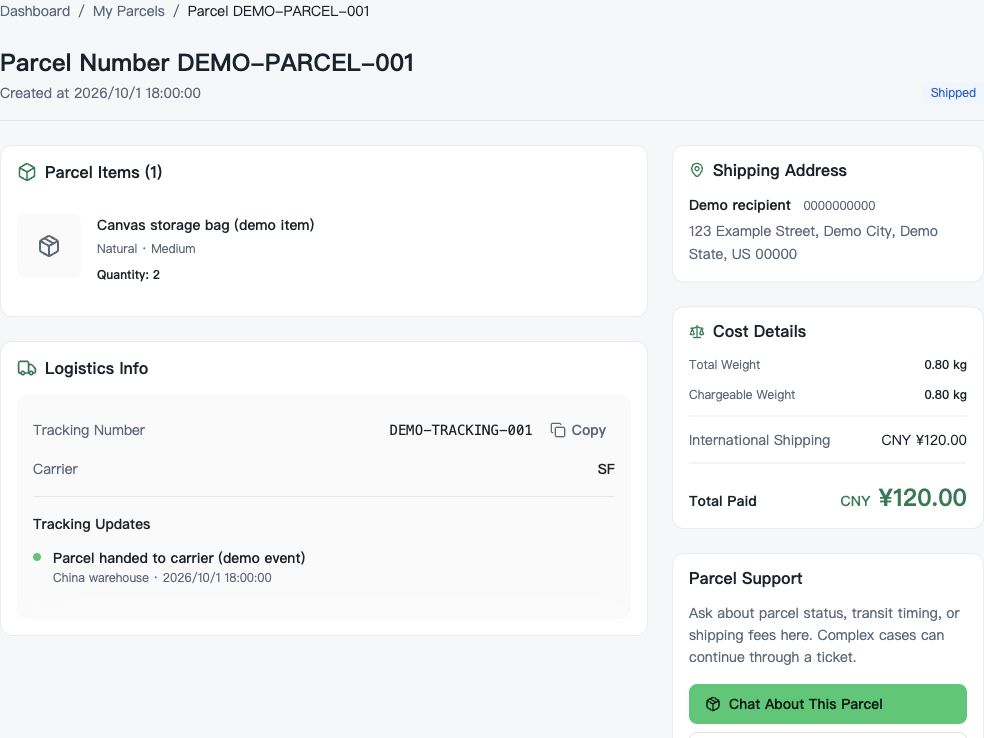
After the shipping fee is paid, GuaBase's parcel tracking runs through its own stage names: “Pending Packaging” while warehouse staff pack and weigh it, “Pending Payment” once the quote is final, “Shipped” once the carrier has collected it, and “Delivered” once it reaches the address on file. A tracking number appears once the status reaches “Shipped”. GuaBase's own FAQ is direct about the gap right after that: “Carrier scans can take 24-48 hours to show online.”
GuaBase's help center also separates two timelines that are easy to conflate: the Order Journey (buying the goods) and the Parcel Journey (shipping them onward). Items can sit at “Stored” in the Order Journey for weeks without a parcel existing yet in the Parcel Journey at all.
Confirm receipt, and know the after-sales path
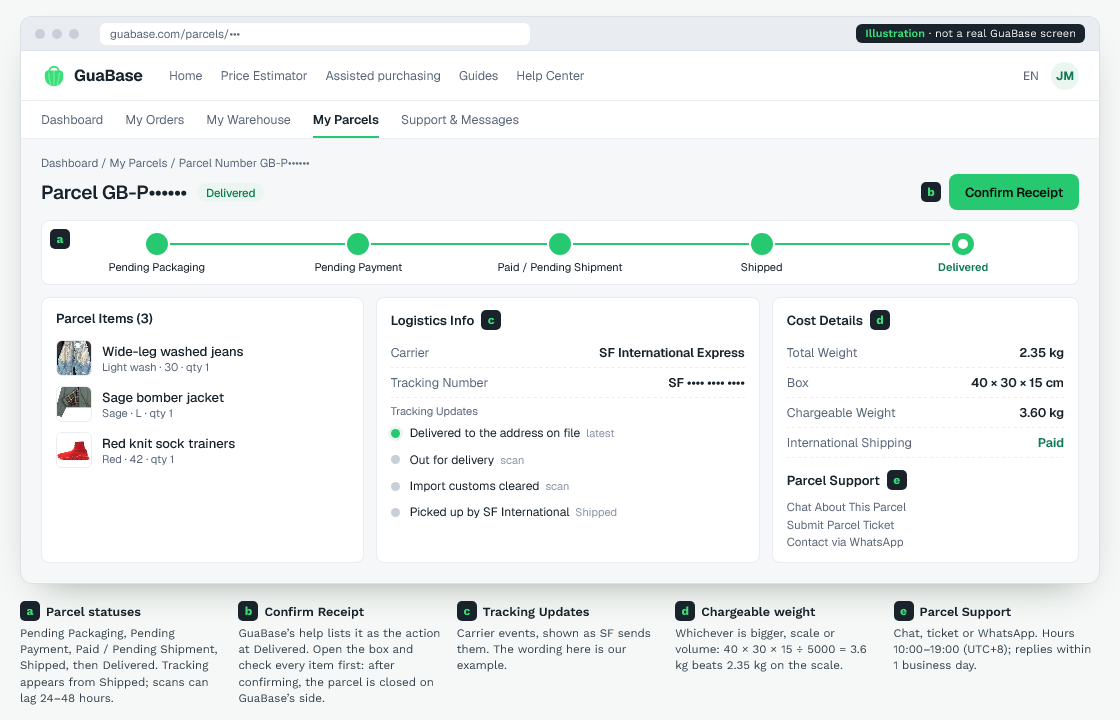
“Delivered” carries one more action in GuaBase's own status list: “Confirm Receipt”. Doing that closes out the parcel on GuaBase's side.
If something is wrong once a box is open, the refund rules depend on which stage the order is in, GuaBase splits that into three stages rather than one blanket policy. The After-Sales page on this site works through all three with GuaBase's own wording.
Three tools built into this page
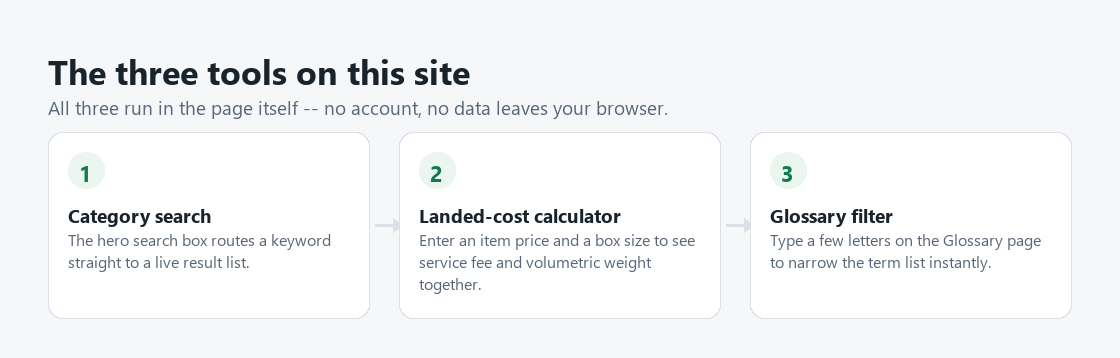
Three small tools sit on this site, each doing one real calculation rather than linking out immediately. None of them need an account, and nothing typed into them leaves the page.
- Category search the hero search box on the homepage routes a keyword straight to a live, categorised result list.
- Landed-cost calculator on the Fees & Exchange Rate page, enter an item price and a box size to see the service fee and the volumetric weight worked out together.
- Glossary filter type a few letters on the Glossary page to narrow a list of twenty-plus terms to the ones you actually need.